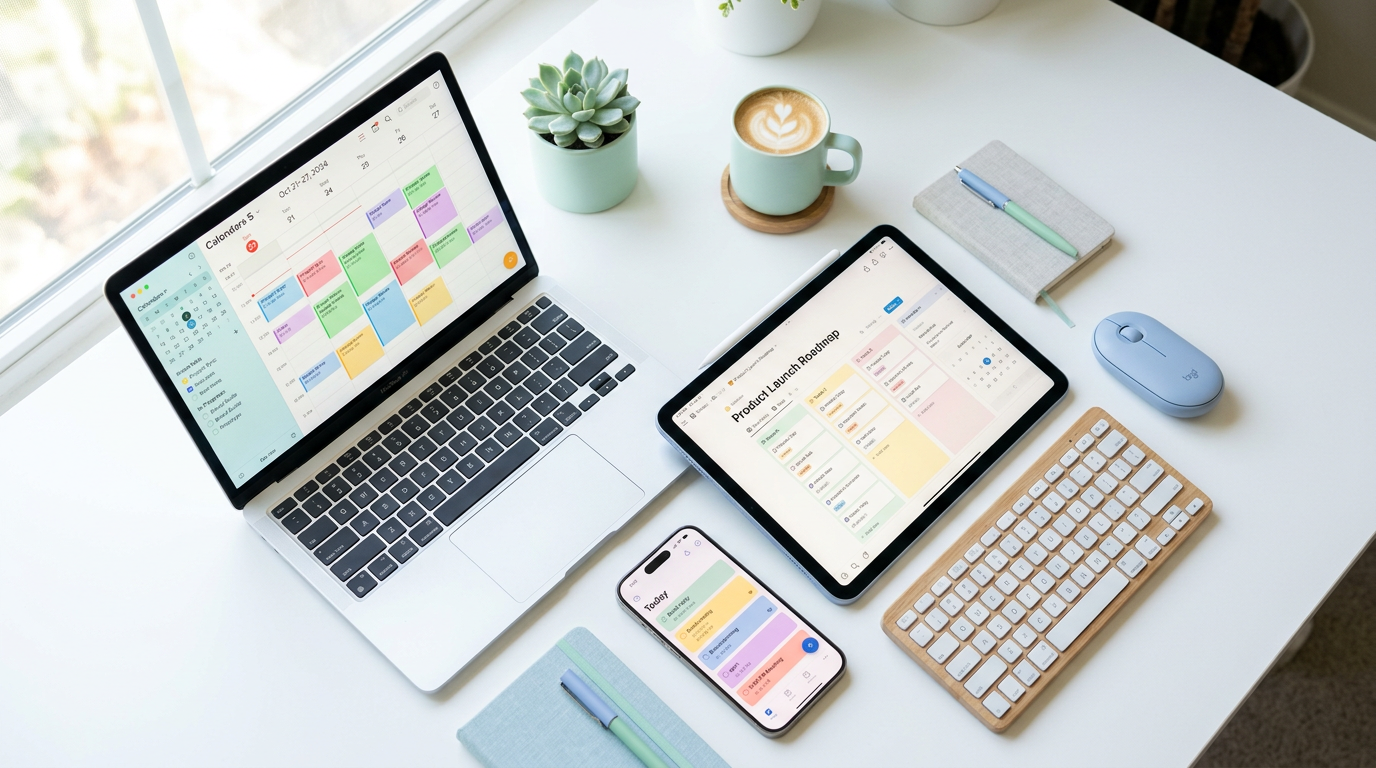
Productivity has never been a bigger deal than it is today. With remote work now the norm for millions of professionals and AI reshaping how we approach daily tasks, choosing the right tools can make or break your workflow. The app landscape in 2026 is packed with innovative solutions that go far beyond simple to-do lists.
After testing dozens of tools and following industry trends, we have curated a list of 10 standout productivity apps that deserve your attention. Whether you are a solo entrepreneur, part of a distributed team, or someone looking to reclaim hours in your day, these picks cover every angle of modern work.
Note-Taking Reimagined

The days of flat, linear notes are fading fast. Today's best note-taking tools combine whiteboard functionality, database capabilities, and object-based organization to help you think and plan visually. Here are three apps leading the charge.
AFFiNE
AFFiNE blends structured pages of a document editor with the creative freedom of a whiteboard. It is open-source, works offline, and supports real-time collaboration. If you have ever wished your notes could flow freely while still staying organized, AFFiNE delivers exactly that hybrid experience.
Capacities
Capacities takes a unique approach by using objects instead of folders. Think of it as building with digital Lego blocks, each note becomes an entity with properties, making it incredibly powerful for researchers, writers, and anyone who needs structured thinking.
Anytype
Anytype is another open-source contender that emphasizes privacy and local-first storage. Its clean interface and flexible workspace make it a strong alternative to more established platforms. For users who value data ownership alongside powerful organization features, Anytype is worth exploring.
Task and Email Mastery
Managing tasks and taming your inbox remain fundamental productivity challenges. The apps below tackle these areas with speed, smart integrations, and thoughtful design.
Superlist
Superlist combines task management with note-taking in a beautifully designed package. It supports integrations with popular tools like Slack, GitHub, and Linear, making it ideal for teams who want one place to capture action items from multiple sources.
Tatem
Email has long been dominated by a few major players, but Tatem is emerging as a premium challenger. Built for speed and reliability, it offers a clean interface that strips away distractions. If you have been searching for an email experience that prioritizes focus, Tatem deserves a spot on your shortlist.
Akiflow
Akiflow positions itself as your central task dashboard, pulling in items from emails, calendars, and other apps into one unified view. With time-blocking features baked in, it helps you allocate your day with intention rather than reacting to endless notifications.
Calendar and Focus Tools

Time management goes beyond scheduling meetings. The best calendar tools now integrate AI assistants, task syncing, and focus protection to ensure your days are structured around what truly matters.
Morgen
Morgen has evolved into one of the most innovative calendar apps available. It consolidates multiple calendars, tasks, and scheduling tools into a single interface. Recent updates have pushed the boundaries of what a calendar app can do, making it a favorite among power users.
Mayday
Mayday takes AI-powered scheduling to the next level by acting as your personal calendar assistant. It learns your preferences, suggests optimal meeting times, and helps protect blocks for deep work. For anyone drowning in calendar conflicts, Mayday offers a smart escape.
Flown
Remote work has its perks, but isolation and distractions at home can erode focus. Flown addresses this by offering virtual co-working sessions where you join others in structured focus blocks. It is part accountability tool, part community experience.
Visual Thinking with Scrintal
Scrintal merges mind mapping, note linking, and board views into one cohesive platform. It is designed for people who think visually and need to see relationships between ideas laid out in front of them. Writers, researchers, and strategic planners will find Scrintal particularly valuable.
Choosing the Right Tools for Your Workflow
With so many options available, the temptation is to try everything at once. That approach usually backfires. Instead, start by identifying your biggest pain points, is it note organization, task overload, calendar chaos, or email fatigue? Then pick one or two apps that directly address those challenges.
- Audit your current workflow and list friction points
- Choose one category to improve first (notes, tasks, calendar, or email)
- Test 2-3 apps in that category for at least two weeks
- Evaluate based on actual time saved and reduced stress
- Integrate your chosen tool with existing systems before adding another
The best productivity system is the one you actually use consistently. Simplicity wins over feature abundance every time.
Final Thoughts
The productivity app ecosystem in 2026 is richer and more competitive than ever. Tools like AFFiNE, Capacities, and Anytype are redefining how we capture ideas. Task managers like Superlist and Akiflow are streamlining action-taking. And AI-powered calendars like Morgen and Mayday are protecting our most precious resource: focused time.
The key takeaway? Do not chase every shiny new app. Instead, build an intentional stack of complementary tools that work together and match how your brain naturally operates. Start small, stay consistent, and iterate as your needs evolve.
- Match tools to your specific workflow gaps, not to trends
- Prioritize apps that integrate well with your existing stack
- Give each tool time to prove its value before switching
Ready to upgrade your productivity setup? Pick one app from this list, commit to using it for a month, and measure the difference. Your future self will thank you.